- Author
- By Nitralux
- Published
- Updated
- Category
- Technique
Shutter Angle Explained — And Why Nitralux Keeps It Simple
Shutter angle links exposure time to frame rate in cinema cameras. Nitralux does not expose that manual control in its current party-camera workflow.
Shutter angle is a cinema-camera way to express exposure time relative to frame rate. A 180° shutter exposes each frame for half of the frame interval. At 24fps, that is approximately 1/48 second.
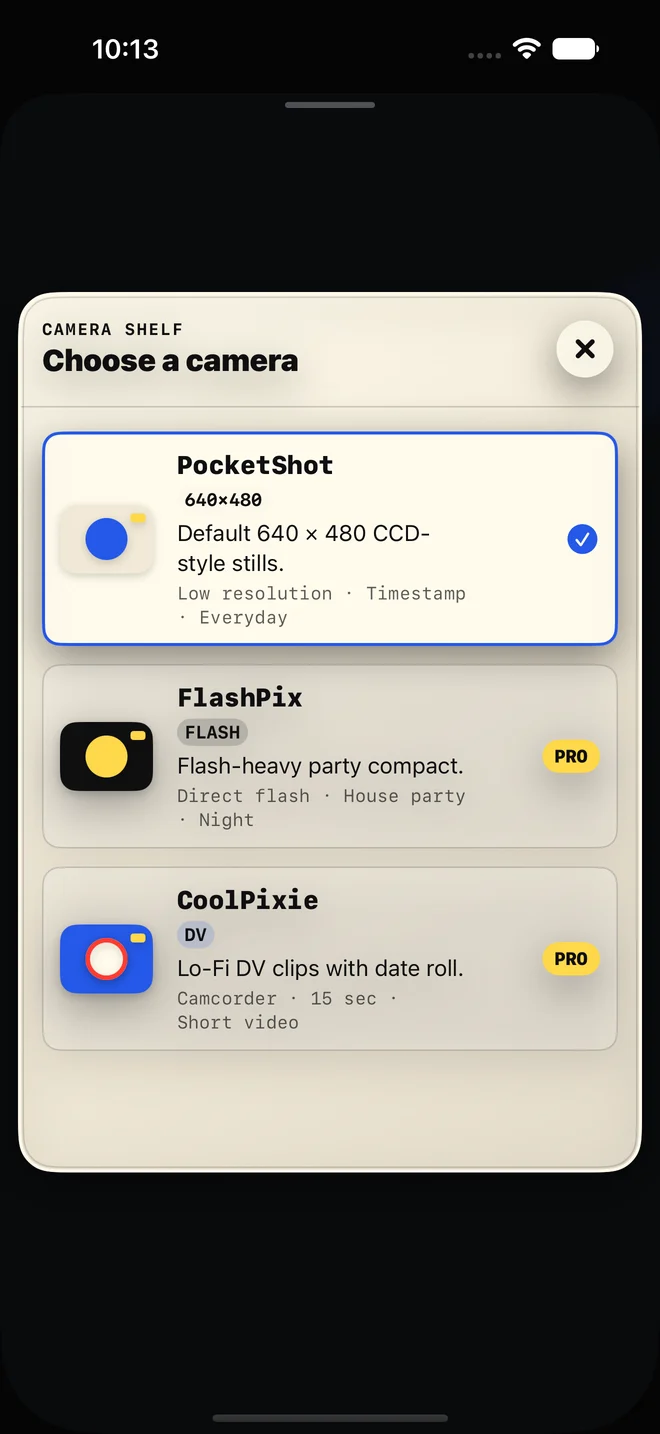
Nitralux does not currently expose shutter angle, ISO, or professional manual controls. The current app is a 640 × 480 CCD-style party camera with a deliberately short decision path: choose a small camera, tap for a photo, or hold for an up-to-15-second Lo-Fi DV clip.
Why cinema cameras use degrees
Mechanical film cameras used a rotating disc shutter. The open section of that disc was measured in degrees, so 180° meant half the rotation was open to light.
The useful idea survives in digital cinema because the same angle creates a similar motion-blur relationship when frame rate changes:
- 180° gives the conventional balance of sharpness and blur.
- 90° shortens exposure and makes motion look sharper or more staccato.
- 270° lengthens exposure and creates more blur.
What this means for a 15fps Lo-Fi clip
At a low frame rate, motion already feels more stepped than conventional 24fps or 30fps footage. Nitralux uses that roughness as part of its DV character instead of asking someone at a party to tune cinema parameters.
That is a product choice, not a claim that 15fps is universally cinematic. If you need repeatable shutter-angle control, exposure meters, or professional continuity between shots, use a manual cinema-camera app. Nitralux is designed for immediate, imperfect moments with friends.
The practical takeaway
Shutter angle is worth understanding when you are planning controlled motion. In Nitralux, the more relevant decisions are simpler: how close you are to your subject, whether direct flash suits the room, and which small camera fits the moment.
Sources and further reading
- ARRI ALEXA 35 low-light shooting guide — an official camera reference that documents shutter-angle behavior in a current cinema-camera system.
- Nitralux: film grain vs CCD noise — the related distinction between photochemical and electronic texture.
- Nitralux features — the controls and output the product actually describes.
Fewer settings, faster moments
Try a camera that leaves shutter angle out.
PocketShot photos are free. If the immediate 640 × 480 party-camera constraint suits you, Pro adds unlimited short DV clips and every current camera.